Set exact times
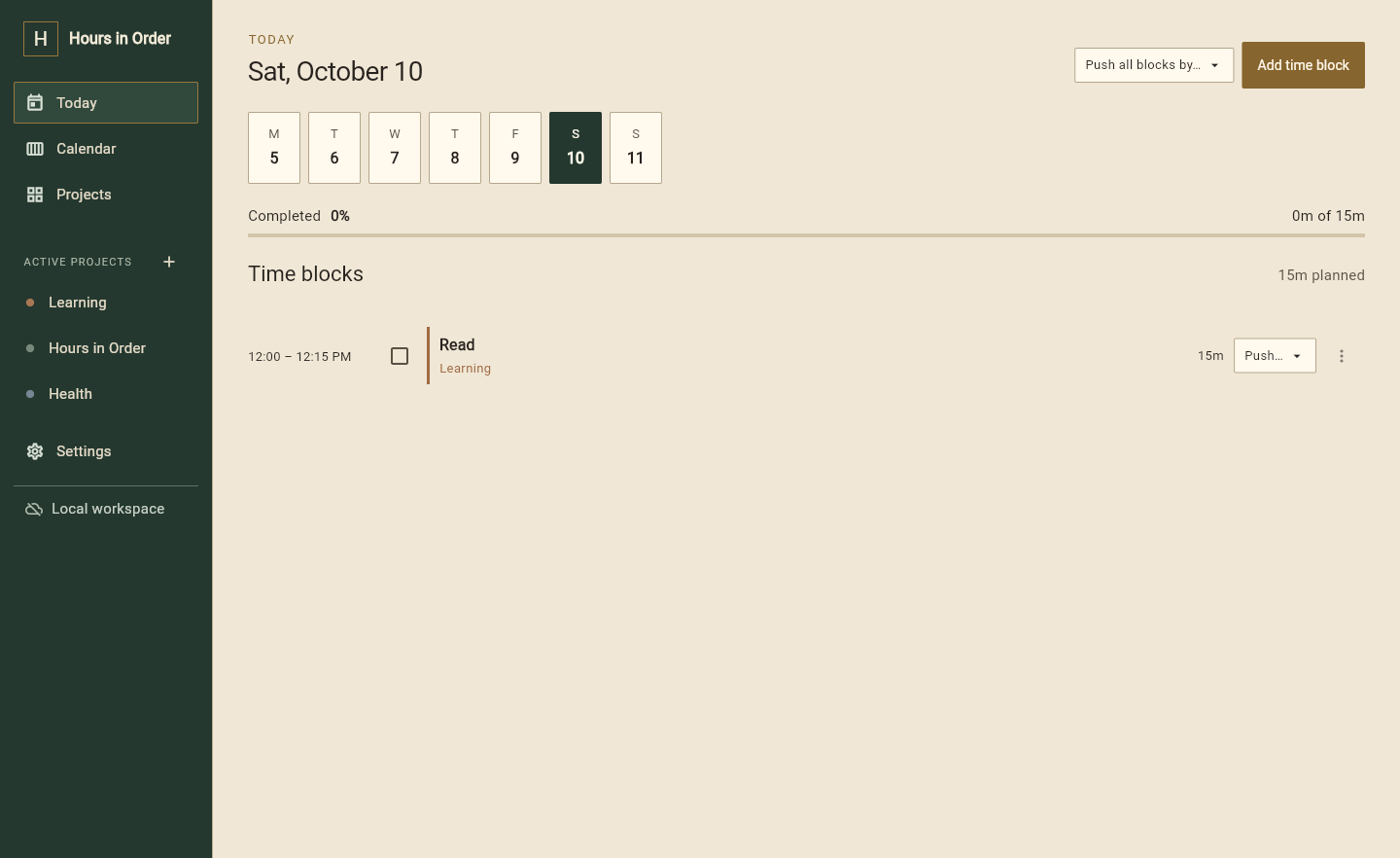
Choose the start, end, days and repeat schedule. Use the exact minute when you need it.
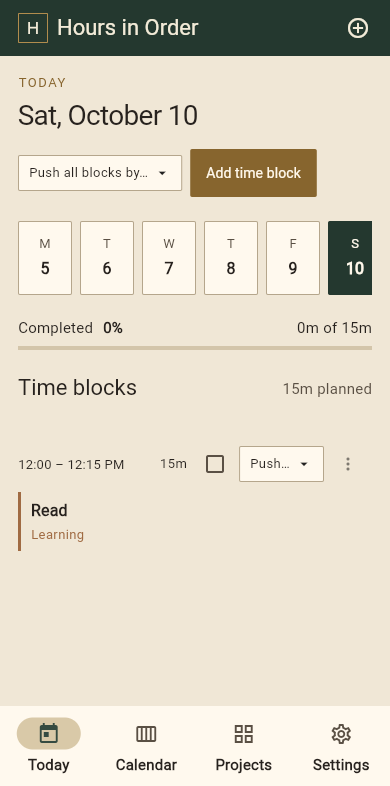
Block out your day, keep projects organized, and open any time block to see the notes, tasks and details you need.
Features
Schedule your time, organize projects, and keep the details close enough to use.
Choose the start, end, days and repeat schedule. Use the exact minute when you need it.
Push one block or move the rest of the day when something changes.
Set up daily, weekly or custom schedules without rebuilding the same plan.
Projects
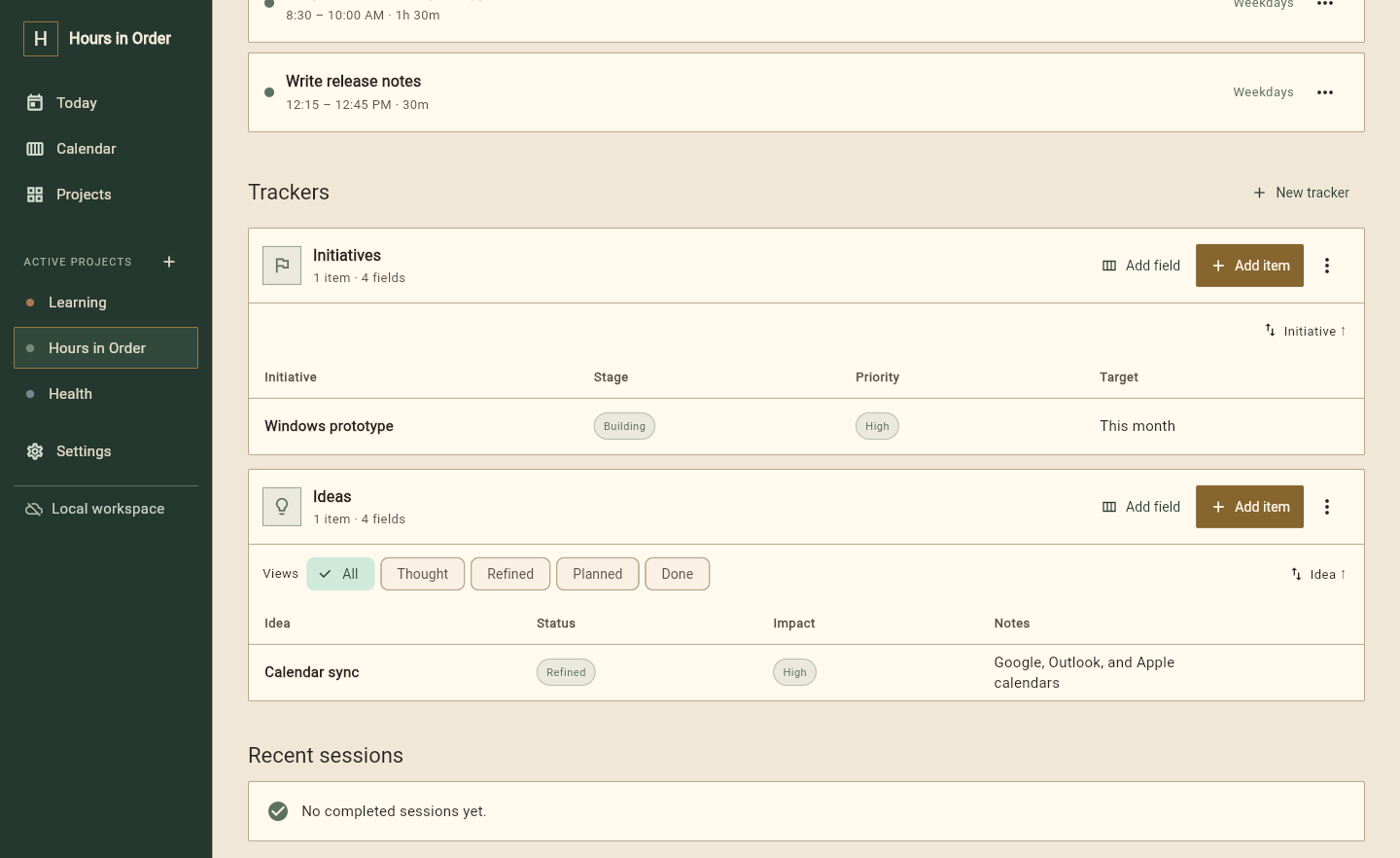
Every time block belongs to a project. Open it to see the tasks, notes, ideas, subscriptions or lists you keep there.
Item pages
A book can hold quotes and chapter notes. A product task can hold decisions, checklists and reference tables. Start simple; add structure only when it helps.
See what is included →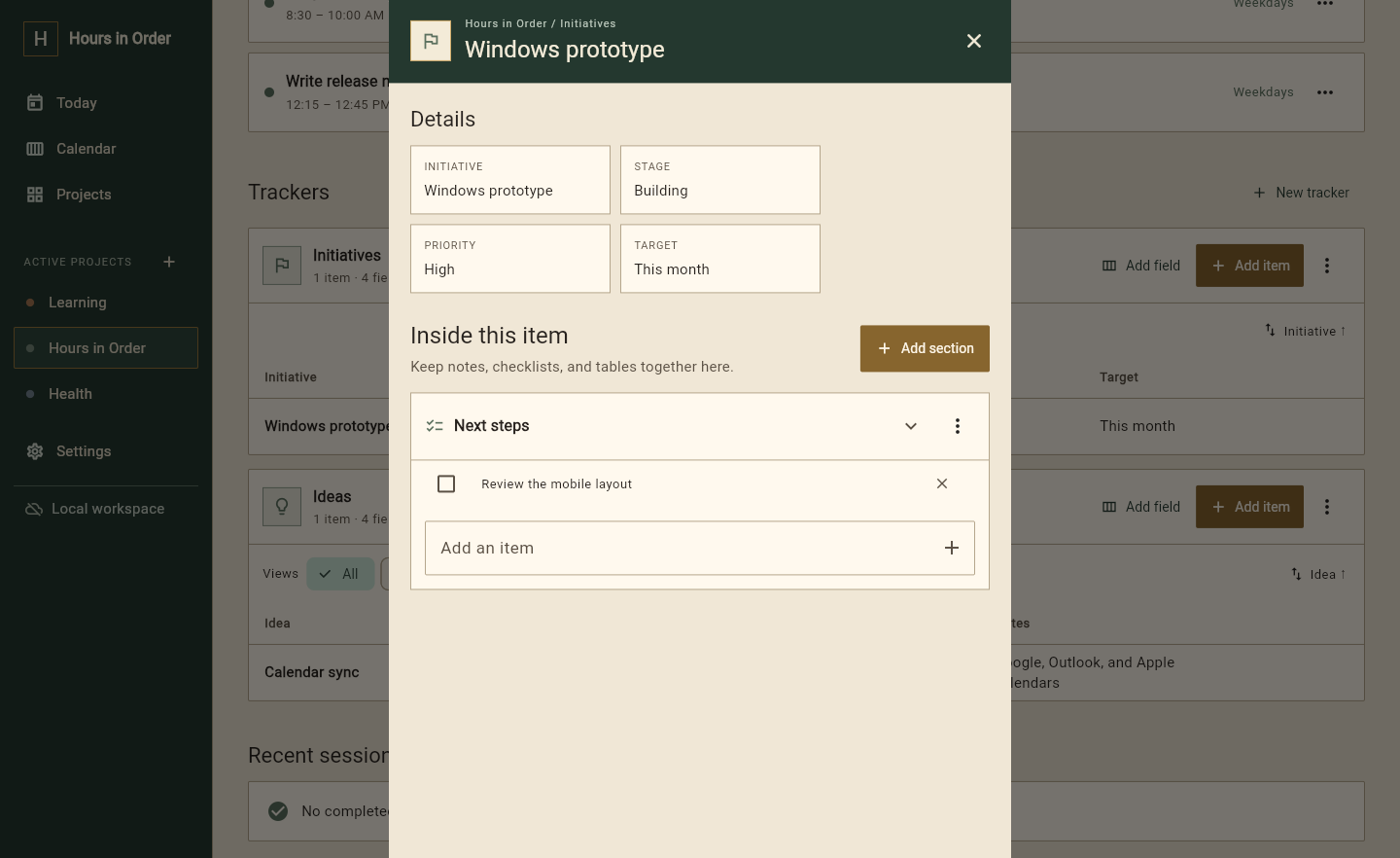
Week view
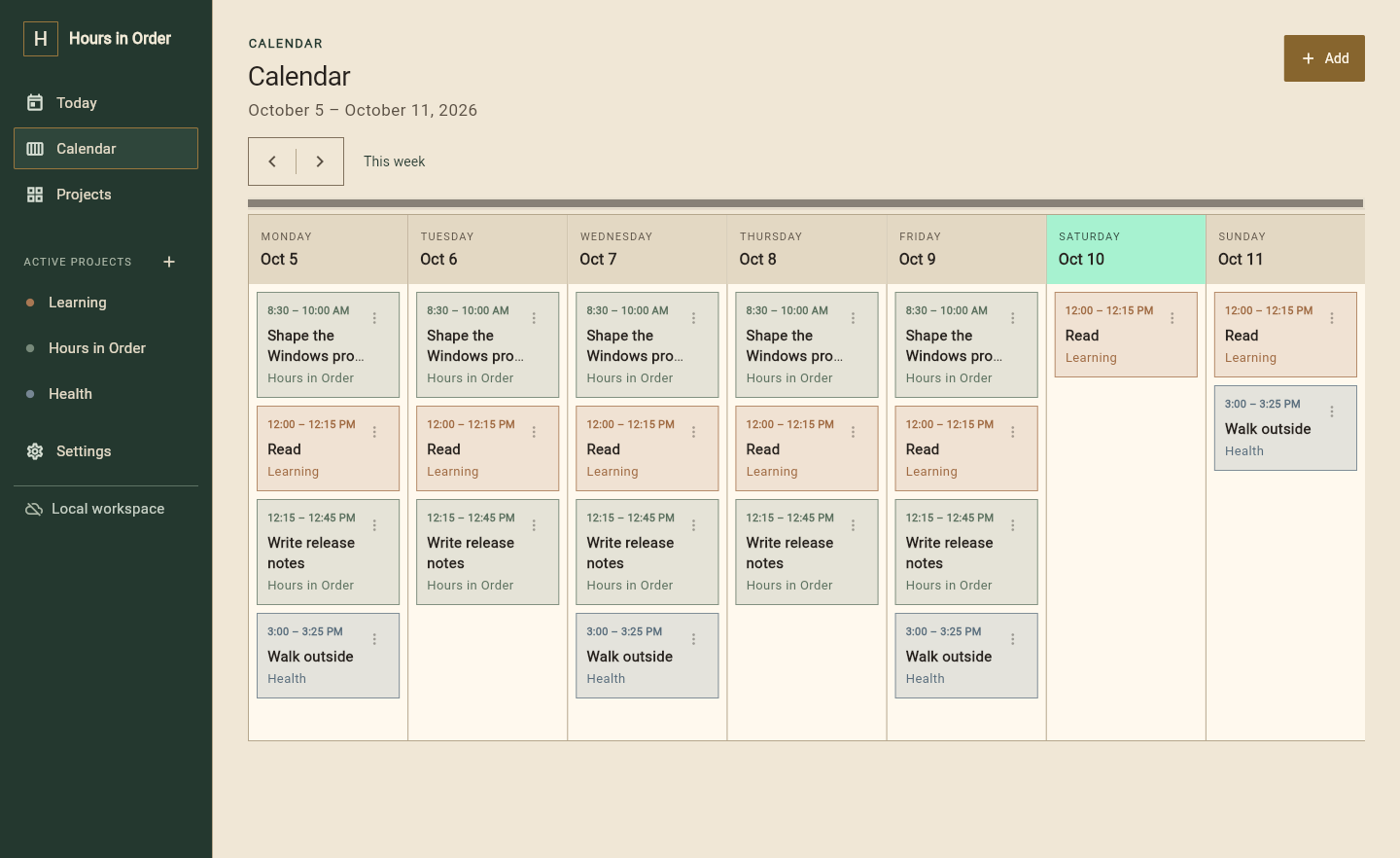
Colour belongs to the project. Borders keep each block distinct. Swipe, drag or scroll through a perpetual calendar that stays readable on every screen.
Your account
Create a free account to download the app. Your projects still stay on your device unless you choose Pro and turn on cloud sync.
Local workspaceProjects and time blocks stay on this device
OnHours in Order accountRequired for downloads and your plan
FreeCloud syncAvailable with Pro; never switched on silently
ProAI planningPremium tool; only sees what you submit
ProPlans
Use the complete local planner for free. Pro adds the services that keep everything connected.
FREE
Everything you need to plan one device.
PRO
Billed yearly at $96
Your schedule and projects on every device.
Free never needs a card. Change or cancel Pro at any time. Your local data stays yours.
Coming later
Give Hours in Order the tasks, deadlines and fixed appointments. It suggests a schedule. You decide what goes on the calendar.
AI features will be opt-in and clearly marked. Your private workspace will not be silently used as a prompt.
Hours in Order